This example uses marker recognition to impose a digital image on top of a designated marker image. Below is the marker for this example. This was developed for interaction on your mobile device.
- Step 1: Scan the QR Code below to open the Augmented Reality page on your device. The site will request permission to access your camera. Select "Allow".
- Step 2: Once open, point your camera at the below marker.
Note: This site does not collect information from you or your devices.
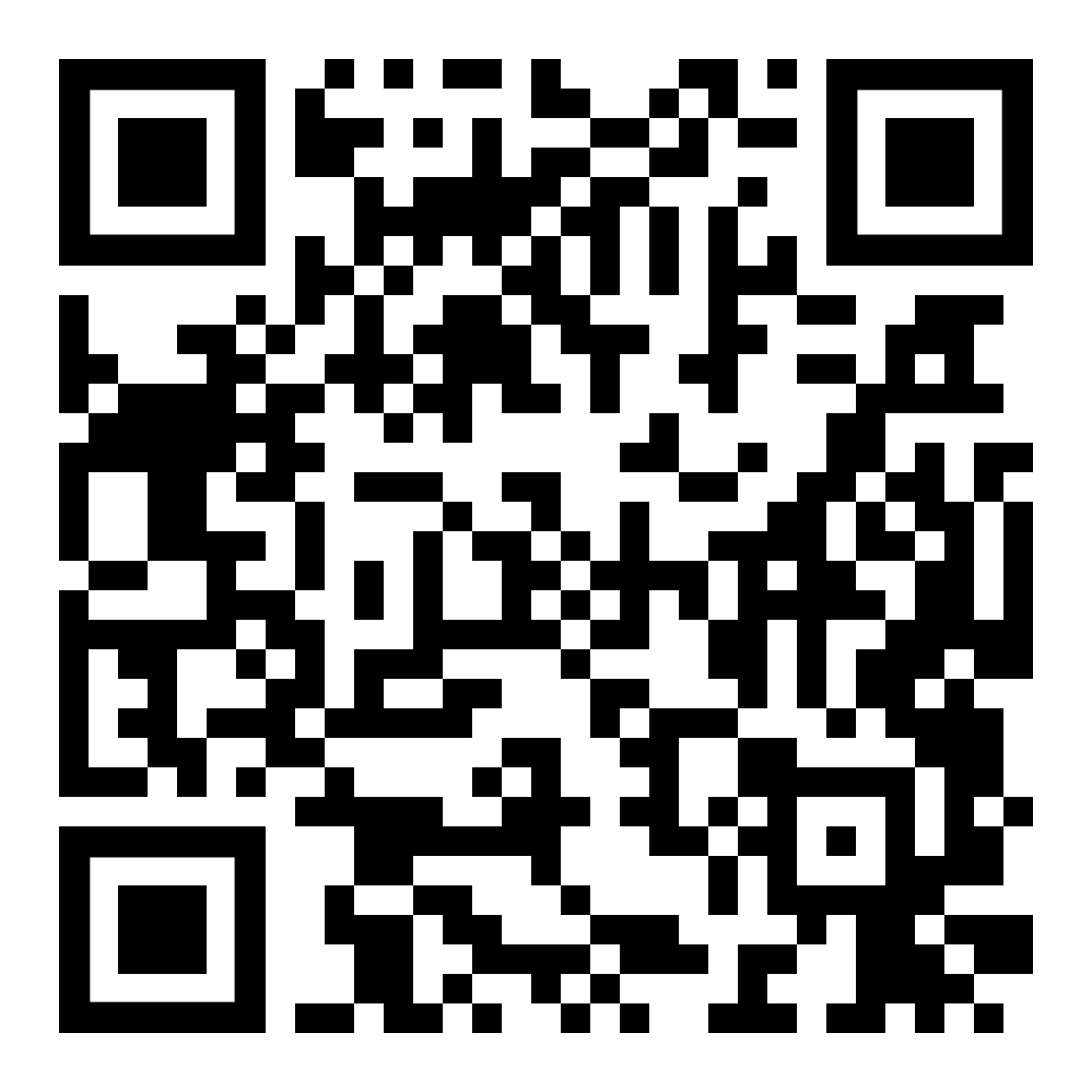
A solar system model should appear on top of the image. You can make it bigger or smaller and rotate the model using two finger movement on the mobile version.
